

RMS-IPTV Ultimate Edition – Free IPTV Player for Windows PC (2026) | Download & Setup Guide
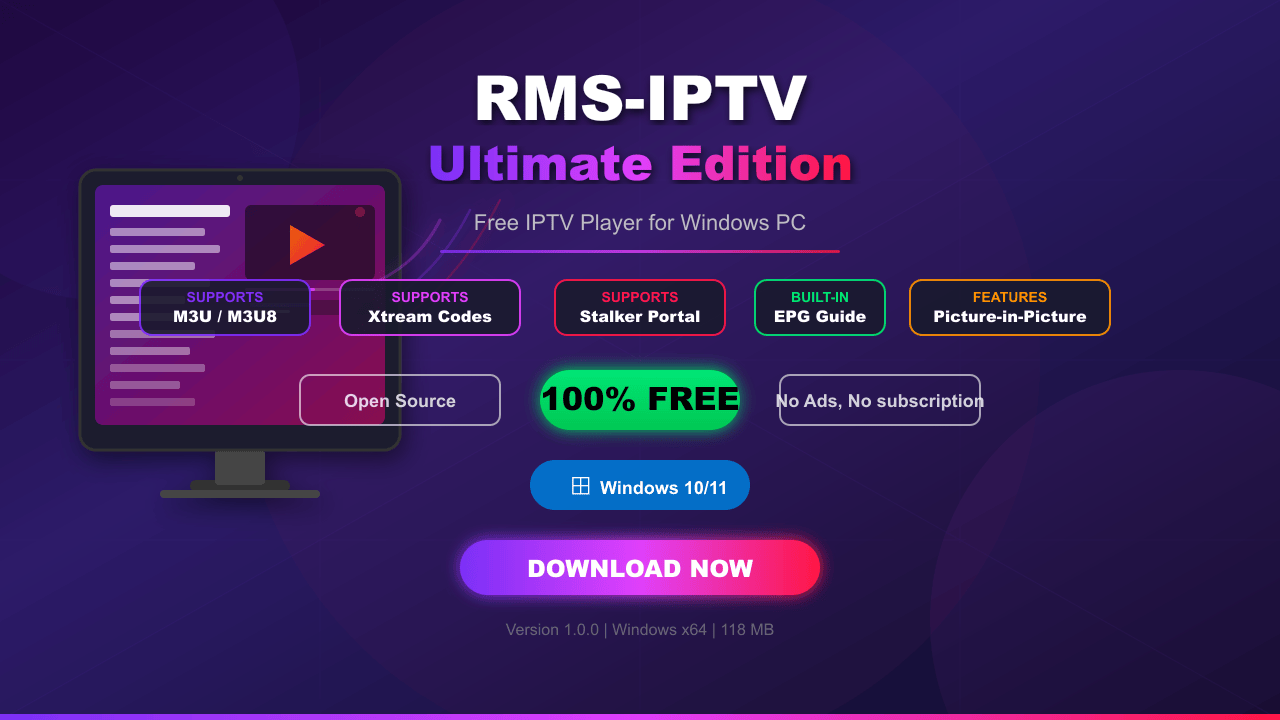
RMS-IPTV Ultimate Edition – Free IPTV Player for Windows PC (2026) | Download & Setup Guide, iptv, iptv player, iptv player for pc, iptv free, iptv app, iptv 2026, best iptv player, iptv windows, iptv download,free iptv
What is RMS-IPTV Ultimate Edition?
RMS-IPTV Ultimate Edition is a free, open-source IPTV player designed for Windows PC. It allows users to stream live TV channels using M3U playlists, Xtream Codes API, and Stalker Portal protocols. Whether you want to watch news, sports, movies, or entertainment, this lightweight application handles it all without any subscription fees or hidden charges.
Built with modern web technologies, the app delivers a smooth and responsive experience even on low-end machines. It also includes features like EPG support, channel search, picture-in-picture mode, and QR code playlist import – making it one of the most complete free IPTV solutions available in 2026.
Key Features of RMS-IPTV Ultimate Edition
M3U Playlist Support
Simply paste your M3U or M3U8 playlist URL and all channels load instantly. No complex setup required – just one link and you are ready to stream.
Xtream Codes API Integration
Enter your server URL, username, and password, and the app connects directly to your IPTV provider. No need for separate playlist files.
Stalker Portal Support
Users with Stalker-based IPTV services can enter their portal URL and access all channels seamlessly within the app.
Built-in EPG (Electronic Program Guide)
The built-in EPG displays what is currently playing and what is coming up next on every channel. Stay updated with the full TV schedule at a glance.
Channel Search & Management
With thousands of channels available, the built-in search tool helps you find your favorite content instantly. Channels can also be sorted by category for easier browsing.
Picture-in-Picture (PiP) Mode
Keep watching your favorite show in a small floating window while you browse or work on other tasks. Perfect for multitaskers.
QR Code Playlist Import
Scan a QR code from your mobile device to instantly import playlists – a quick and convenient way to share configurations.
System Requirements
| Component | Minimum | Recommended |
|---|---|---|
| OS | Windows 10 (64-bit) | Windows 11 |
| RAM | 4 GB | 8 GB |
| Storage | 200 MB free | 500 MB free |
| Internet | 5 Mbps | 25 Mbps+ |
How to Download & Install RMS-IPTV Ultimate Edition
- Click the Download Now button above
- Save the
RMS-IPTV-Setup.exefile to your computer - Double-click the installer to launch setup
- Click Install and wait 2-3 minutes
- A desktop shortcut will be created automatically
- Launch the app and start adding your playlists
How to Add IPTV Playlist (M3U URL)
- Open the app and navigate to Add Playlist
- Select the M3U URL option
- Paste your playlist URL in the input field
- Click Load – all channels will appear within seconds
- Use the search bar or category filters to browse content
How to Use Xtream Codes API
- Go to Add Playlist and select Xtream Codes API
- Enter your Server URL from your IPTV provider
- Input your Username and Password
- Click Connect – the app will fetch all available channels and VOD content automatically
RMS-IPTV vs Other IPTV Players – Comparison
| Feature | RMS-IPTV | VLC | IPTV Smarters |
|---|---|---|---|
| M3U Support | Yes | Yes | Yes |
| Xtream Codes | Yes | No | Yes |
| EPG Guide | Built-in | No | Yes |
| PiP Mode | Yes | No | No |
| QR Import | Yes | No | No |
| Price | Free | Free | Free |
| Ads | No | No | Yes |
Is RMS-IPTV Ultimate Edition Safe & Legal?
Yes, the application itself is completely safe. It is open-source code reviewed by the community with no malware or tracking. However, the legality depends on the content you stream. Always use legitimate IPTV services and playlists that you have authorized access to.
Frequently Asked Questions (FAQ)
Q: Is RMS-IPTV free? A: Yes, it is 100% free with no hidden charges.
Q: Does it work on Mac? A: Currently only Windows is supported.
Q: Can I use multiple playlists? A: Yes, you can add unlimited playlists and switch between them.
Q: Does it support 4K streaming? A: Yes, if your playlist and internet connection support it.
Q: Do I need a VPN? A: A VPN is recommended for privacy but not required by the app.
Final Words
RMS-IPTV Ultimate Edition is a powerful, free, and ad-free IPTV player that covers every major streaming protocol. Its clean interface, EPG support, and PiP mode make it a strong choice for anyone looking to cut the cord in 2026. Download it today and enjoy thousands of channels on your Windows PC.
 |=|
|=|Files Contain
| File | Action |
|---|---|
| RMS IPTV Ultimate Edition Tool | Download |
