

Hellobox V5HD Red light/Dead Box Recovery by USB
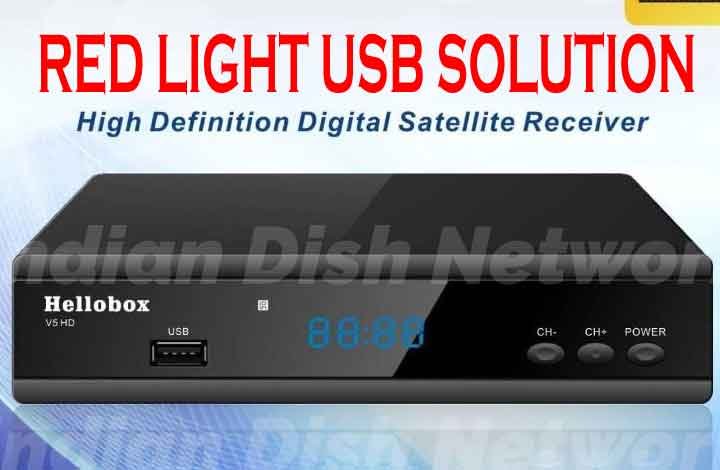
Hellobox V5HD Red light/Dead Box Recovery by USB
Hellobox V5HD Red light issue, Hellobox V5HD Dead box recovery, Hellobox V5HD USB recovery method, Firmware update, Hellobox troubleshooting, USB flash drive recovery, Hellobox V5HD recovery guide, Hellobox V5HD Resolving red light issue, Hellobox V5HD firmware, Troubleshooting tips, Hellobox V5HD USB recovery, Recovering dead Hellobox V5HD, Hellobox V5HD troubleshooting, Hellobox V5HD USB recovery process.
- Download the suitable file for your receiver.
- Rename The Software To: auto_burn.fac and copy it in your pendrive.
- Power on your receiver.
- Connect The USB to the set top box.
- Don't Press any key.
- See tv box LED Display progress bar, until Show "FFFF"
- The Following Text Image Will Appear on The TV Screen ⬇⬇⬇

- When you will see FFFF text on receiver screen.
- Remove the USB Device on the tv box (Very important Step)
- Repower the TV Box.
- DONE ✅✅✅
 |=|
|=|Files Contain
| File | Action |
|---|---|
| auto_burn.fac | Download |
