

Delhi Made universal Box Software download
Delhi Made universal Box Software download
Upgrade your Delhi-made universal set-top box or India-assembled STB easily using a USB drive! This complete guide provides free software downloads, loader tools, and simple USB installation method for hassle-free updates. Delhi Made universal Box Software download.

Why Update Your Set-Top Box?
🚀 Better Performance: Smoother channel switching and faster response
🆕 New Features: Enhanced UI and additional functionality
🛠️ Bug Fixes: Resolves freezing and crashing issues
📡 Improved Compatibility: Supports new channels and services
🔒 Security Patches: Protects against vulnerabilities
How to Update Your STB – Step by Step
What You’ll Need:
Windows PC/Laptop
USB cable or RS232 cable (depending on model)
Downloaded firmware and loader tool
Installation Steps:
Download the correct software package for your model (links below)
Extract files using WinRAR or 7-Zip
Connect your STB to PC using USB/RS232 cable
Run the loader tool and select the firmware file
Click “Start” and wait for the update to complete
Restart your set-top box
⚠ Important Safety Tips:
Always backup your current firmware first
Ensure stable power supply during update
Use the correct software version for your model
Troubleshooting Tips
If your STB gets stuck during update:
Try using a different USB cable
Check if you have the right loader tool
Restart the update process
Final Thoughts
Regular software updates keep your Indian-made set-top box running smoothly with the latest features. Bookmark this page for future updates!
Need help? Ask in the comments below!

GX6605S Recovery Special Loader by IDN
GX6605S Recovery Special Loader by IDN
GX6605S_No SN Tool _IndianDishNetwork
GX6605S_No SN Tool _IndianDishNetwork
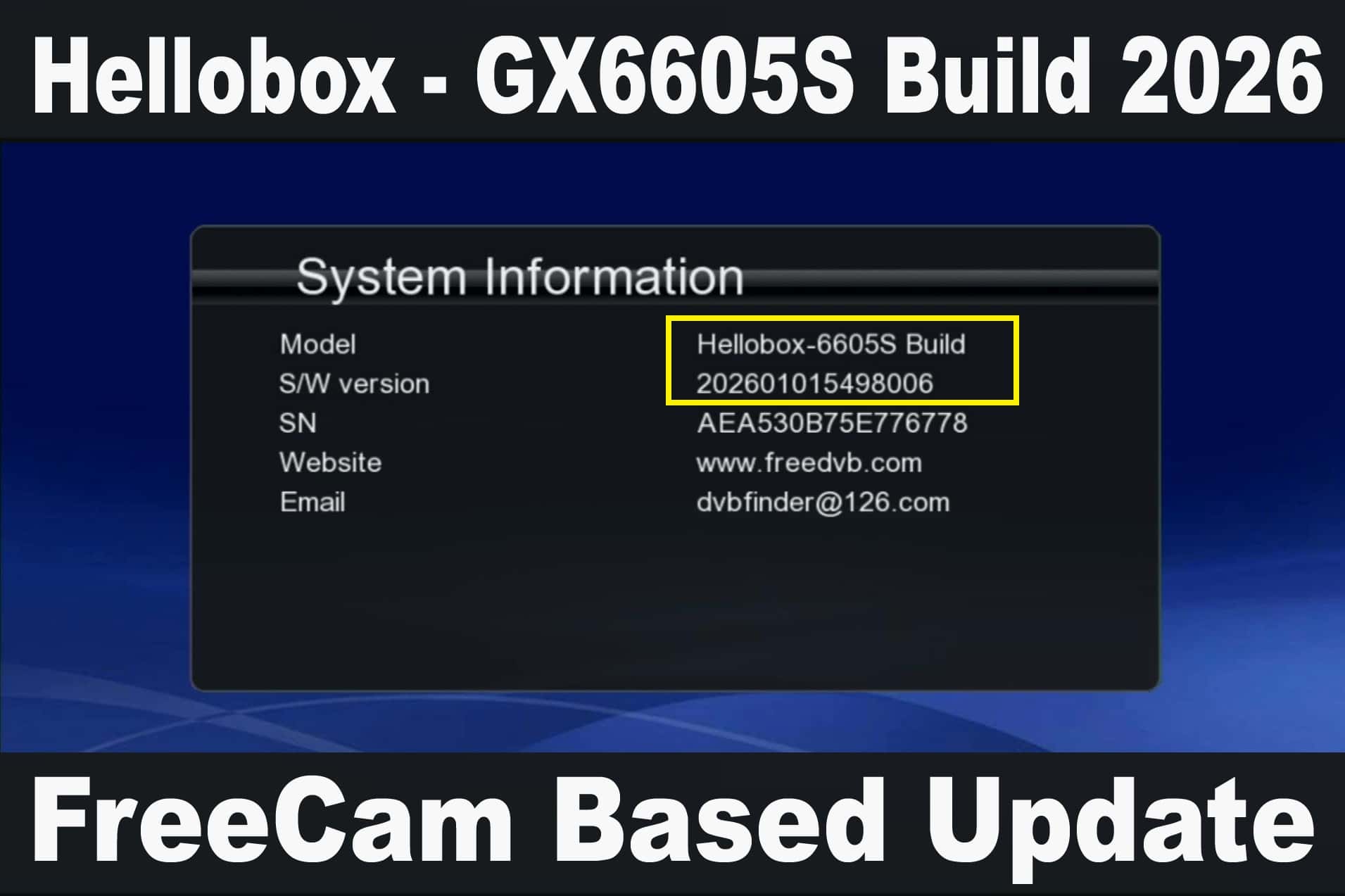
Hellobox GX6605S New Software 2026, Hellobox GX6605s FreeCam Software 2026
Downloads ( 2634 )
January 1, 2026
